 By
A Shopify post purchase upsell should happen after the customer has paid, not before they finish checkout, so it can raise order value without adding friction to the original purchase. The safest offer is a simple, relevant add-on that can be accepted quickly and does not make the buyer rethink the order they just placed.
For most US and Canadian DTC brands, start with one post-purchase offer, keep the copy short, match it to the purchased product, and measure both upsell revenue and any downstream problems like refunds, support tickets, or subscription churn.
Key takeaways
- A Shopify post purchase upsell is usually safer than a pre-checkout upsell because it appears after the first payment is complete.
- The best post-purchase offers are relevant, easy to understand, and cheaper to say yes to than the original purchase.
- Placement matters: use post-purchase pages for quick add-ons, thank-you pages for softer offers, and email or SMS for offers that need more explanation.
- Test one variable at a time, such as product, discount, copy, or sequence, or you will not know what actually improved performance.
- Watch refunds, customer complaints, and fulfillment complexity, not just immediate upsell revenue.
What is a Shopify post purchase upsell?
A Shopify post purchase upsell is an offer shown after the customer completes payment but before or around the order confirmation experience. As of 2026, Shopify checkout can support post-purchase offers through compatible apps and checkout extensibility, depending on the store setup, payment method, and Shopify plan.
The key difference is timing. A pre-purchase upsell tries to increase cart value before payment, which can work but may also distract from checkout. A post-purchase upsell lets the customer finish the original purchase first, then presents an optional add-on.
That makes post-purchase upsells useful when your main goal is to protect checkout conversion. You are not asking the buyer to make more decisions before they pay. You are giving them one more relevant choice after the hardest part is done.
If your Shopify checkout, product pages, or analytics are already fragile, fix those before adding more offers. Bytecode works on Shopify builds and checkout-adjacent improvements through Shopify development, including storefront, app, and conversion-focused implementation work.
What should you offer in a Shopify post purchase upsell?
The best Shopify post purchase upsell offer is a low-friction product that naturally improves the item the customer just bought. It should feel like a helpful add-on, not a surprise sales pitch.
Good first offers usually fit one of these patterns:
- Consumable refill: an extra unit, refill pack, or replenishment item for products customers will use up.
- Accessory: a case, tool, applicator, charger, pouch, or companion item that improves the primary product.
- Bundle completion: another flavor, color, variant, or item from the same routine.
- Subscription upgrade: a simple subscribe-and-save style option when the buyer has already shown purchase intent.
- Warranty or protection add-on: only when it is clear, relevant, and supported by your operations.
A weak post-purchase offer creates doubt. If someone buys a skincare starter kit and the next screen says they also need three more products to get results, they may wonder whether the original product was enough. If someone buys a coffee subscription and sees a discounted grinder, that is easier to understand.
Use these filters before choosing an offer:
- Relevance: would a customer understand the connection in five seconds?
- Fulfillment simplicity: can your team ship it without creating exceptions?
- Margin: does the offer still make sense after product cost, fulfillment, payment processing, discounts, and support?
- Inventory risk: will this create stock issues for your main product?
- Customer expectation: will the buyer feel helped, or will they feel pressured?
Where should post-purchase upsells appear?
The safest placement for a Shopify post purchase upsell is immediately after payment, before the thank-you page, when the buyer is still engaged and the original checkout is already complete. That placement is best for simple offers that do not need much explanation.
Not every offer belongs in the same place. Some products need education, comparison, or social proof. Those may work better on the thank-you page, in email, or in SMS rather than in the immediate post-purchase slot.
| Placement | Best for | Risk to watch |
|---|---|---|
| Immediate post-purchase page | Simple add-ons, refills, accessories, extra units | Too many choices can cause confusion or regret |
| Thank-you page | Account creation, referral prompts, softer cross-sells | Lower urgency than the immediate post-purchase moment |
| Order confirmation email | Products needing more explanation or comparison | Customer attention may be lower after the session ends |
| SMS follow-up | Time-sensitive reminders for opted-in customers | Compliance and customer fatigue need careful handling |
For US and Canadian brands, email and SMS rules matter. Consent, unsubscribe handling, and message content should be reviewed carefully, especially for Canadian recipients under CASL. This is not legal advice; talk to counsel for legal or compliance decisions.
If abandoned checkout recovery, post-purchase offers, and follow-up messages are all being changed together, map the whole customer path. A post-purchase upsell should not conflict with your abandoned cart recovery, subscription onboarding, or support emails.
How many post-purchase offers should you show?
Most stores should start with one Shopify post purchase upsell offer, not a long sequence. One clear decision is easier to accept and easier to measure.
Multiple offers can work, but they add operational and analytics complexity. A second offer may increase order value, but it can also create more split shipments, discount stacking issues, support questions, and attribution noise.
A practical first version looks like this:
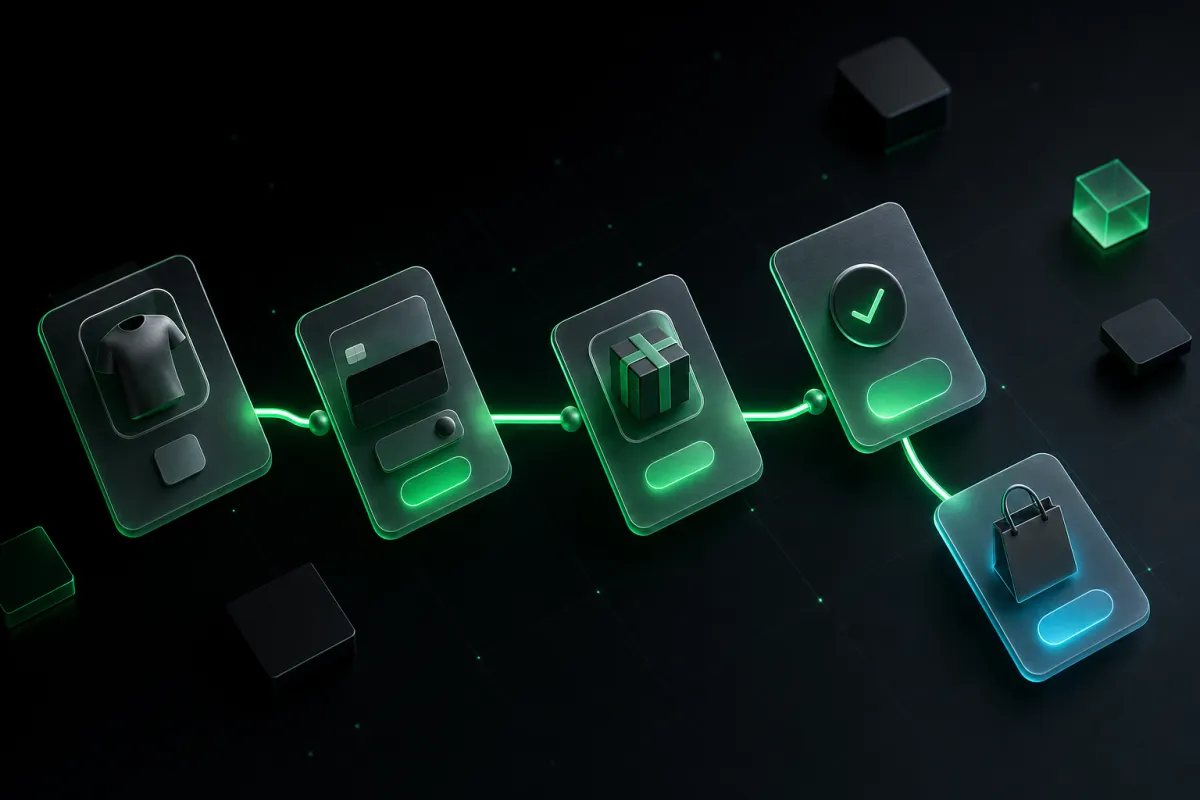
- Customer completes checkout.
- Post-purchase page shows one related product or upgrade.
- Customer accepts or declines.
- Customer lands on the thank-you page with clear order confirmation.
If that works cleanly, test a second step later. The second step should usually be a downsell or alternate offer, not another unrelated product. For example, if the customer declines a three-pack refill, you might test a single refill instead.
Do not let upsell logic hide the order confirmation. The customer should always understand that their original order went through. If the buyer has to wonder whether payment succeeded, the experience is too aggressive.
What offer copy works best after checkout?
Post-purchase upsell copy should be short, specific, and tied to the item the customer just bought. The buyer has already made one decision, so do not ask them to read a landing page after checkout.
A simple structure works well:
- Headline: name the benefit or product connection.
- One-sentence explanation: explain why this add-on fits the purchase.
- Clear accept button: make the action obvious.
- Clear decline option: let the buyer continue without guilt or confusion.
For example, if the customer bought protein powder, a shaker bottle upsell can say that it helps mix the product on the go. If the customer bought a skincare product, a refill or routine companion can explain when it is used. If the customer bought a subscription, the upsell can offer a related one-time add-on without changing the subscription unless that is explicit.
Avoid vague language like complete your order if the original order is already complete. Use wording that makes the state clear, such as add this to your order or ship this with your order, only if your fulfillment process truly supports that promise.
How do you test Shopify post-purchase upsells without hurting conversion?
You test Shopify post-purchase upsells safely by protecting the original checkout first, then changing one post-purchase variable at a time. The original checkout conversion rate should remain your guardrail metric.
Use this testing sequence:
- Confirm tracking: make sure purchase events, upsell acceptances, refunds, and order edits are visible in your analytics and ad platforms.
- Start with one offer: choose the most obvious accessory, refill, or extra unit.
- Run the test long enough: avoid reacting to a tiny sample or one unusual traffic source.
- Review quality: check support tickets, cancellations, refunds, and fulfillment exceptions.
- Change one thing: test product, discount, copy, placement, or sequence one at a time.
Do not judge the test only by immediate revenue. A post-purchase offer can look good on day one and still create problems if it increases returns, delays shipping, or confuses subscription customers.
Tracking is also easy to break when upsell tools, ad pixels, server-side events, and subscription apps all touch the order flow. If you rely on Meta ads, make sure your purchase and upsell events are not double-counted. Bytecode’s guide to Shopify conversion tracking for Meta Ads covers the Pixel and Conversions API basics that matter here.
How do post-purchase upsells affect subscriptions and bundles?
Post-purchase upsells can work well with subscriptions and bundles, but only when the customer clearly understands whether the add-on is one-time or recurring. Confusion here can create cancellations, chargebacks, and support work.
If the upsell is recurring, say so plainly. If it changes the customer’s subscription, say what changes. If the upsell is a one-time add-on, do not use copy that implies it will repeat.
For subscription-heavy stores, test conservative offers first:
- One-time accessory after a subscription purchase.
- One-time sample pack after a subscription purchase.
- Extra unit added to the first shipment only.
- Upgrade from one unit to a larger first shipment, if fulfillment supports it.
Subscription apps, Shopify checkout behavior, payment methods, and customer account experiences can all affect what is technically possible. If subscriptions are central to your business, review the full system before adding post-purchase logic. This is also where a broader read on Shopify subscriptions, checkout, and churn can help.
What can go wrong with Shopify post-purchase upsells?
The main risk is not that a post-purchase upsell lowers the original checkout conversion; the main risk is that it creates a messy customer or operations experience after the sale. That mess can erase the value of the extra revenue.
Watch for these problems:
- Order confusion: customers do not know whether the first purchase succeeded.
- Double-counted revenue: analytics reports treat the original purchase and upsell as duplicate conversions.
- Fulfillment exceptions: warehouse rules cannot combine the upsell with the original order reliably.
- Discount conflicts: the upsell discount stacks with other promotions in an unintended way.
- Subscription misunderstanding: customers think a recurring add-on was one-time, or the reverse.
- Support load: the offer creates questions your team is not staffed to answer.
Before launch, place test orders using your common payment methods, shipping regions, discount codes, and subscription states. Review the order in Shopify admin, the customer email, the fulfillment system, the analytics platform, and the ad platform. A post-purchase upsell is not ready just because the front-end page looks correct.
Which tools should you use for post-purchase upsells?
The right tool depends on how much control you need over checkout, funnels, subscriptions, analytics, and fulfillment. Some Shopify apps are ideal for fast tests; custom development is better when your rules, integrations, or reporting needs are more specific.
A small brand may start with a focused app to validate the offer. A larger Shopify or Shopify Plus store may need custom logic, deeper analytics QA, or integration with an ERP, subscription platform, or warehouse system. If checkout and funnel behavior are strategic to your store, work with developers who understand both Shopify and conversion tradeoffs.
For brands comparing checkout and funnel systems beyond standard Shopify flows, Bytecode also builds for CheckoutChamp through CheckoutChamp development. The right choice depends on your funnel model, catalog, operations, and internal team.
Bytecode is also building Submerce, an early access checkout and funnel option for DTC brands that want a simpler alternative in this category. It is worth watching if you are evaluating how much funnel control you need without overcomplicating your stack.
Frequently asked questions
Does a Shopify post purchase upsell reduce checkout conversion?
A properly placed post-purchase upsell should not reduce the original checkout conversion because it appears after payment is complete. It can still hurt the customer experience if the offer is confusing, too aggressive, or creates order uncertainty.
What is the best first post-purchase upsell for Shopify?
The best first offer is usually a relevant accessory, refill, sample, or extra unit tied directly to the product just purchased. Avoid unrelated products until you have enough data to prove they work.
Should I offer a discount on the post-purchase upsell?
A discount can help, but it is not always required. Test the product match first, then test discount depth later so you know whether the offer itself is strong.
Can post-purchase upsells work for Canadian Shopify stores?
Yes, Canadian Shopify stores can use post-purchase upsells, but email, SMS, language, tax, and consent details need careful handling as of 2026. This is not legal or tax advice; get professional guidance for compliance questions.
How do I know if my upsell test is successful?
Look at accepted upsell revenue, but also review refunds, cancellations, support tickets, fulfillment issues, and analytics accuracy. A successful test improves order economics without creating a worse customer experience.
Want help building Shopify post-purchase upsells carefully?
If you want post-purchase upsells that protect checkout conversion, start with the offer, tracking, and fulfillment rules before picking a tool. Bytecode, a New York-based web, SaaS and e-commerce development studio working with brands across the US and Canada, can help you plan and build the flow through practical Shopify development and conversion-focused implementation.
If you want a second set of eyes on your store, you can request a free store and funnel speed plus SEO audit or talk to Bytecode about your Shopify post-purchase upsell plan.