By
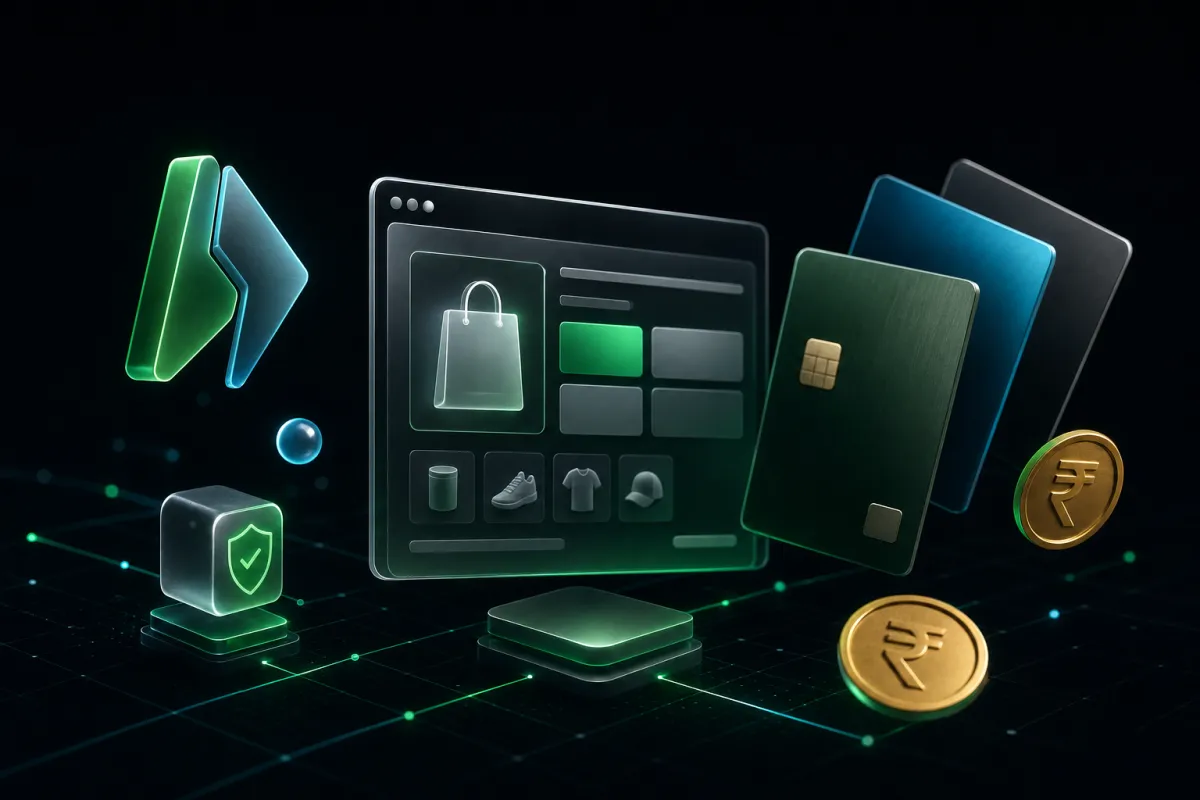
To accept UPI and card payments on your online store in India, you usually need a payment gateway that connects your store, customer payment apps, banks and card networks. For a small business, the right choice depends on KYC requirements, settlement timelines, refund handling, payment methods, dashboard clarity and how easily it works with your store platform.
You do not need to understand every banking term before you start, but you should know what happens after a customer clicks Pay. This guide explains how UPI and cards work for a small store, what to check before choosing a provider, and how to avoid common payment issues.
Key takeaways
- A payment gateway helps your online store accept UPI, cards, netbanking and other digital payment methods in one checkout flow.
- UPI is important for Indian stores because many customers prefer paying through apps they already use every day.
- Before choosing a provider, check KYC, settlement cycle, refund process, support, dashboard, risk rules and platform compatibility.
- Do not judge a gateway only by brand name; choose the one that fits your products, order volume, operations and customer behaviour.
- Keep cash on delivery as a separate decision, because it affects shipping, returns and RTO differently from prepaid payments.
What is a payment gateway for a small business in India?
A payment gateway is the service that securely collects payment details from your customer and confirms whether the payment has succeeded or failed. For your store, it acts like the bridge between your checkout page, UPI apps, card networks, banks and your business bank account.
When a customer places an order, the payment gateway does a few things in the background:
- Shows payment options such as UPI, cards, netbanking, wallets or other methods supported by the provider.
- Routes the payment request to the relevant bank, UPI app or card network.
- Confirms success, failure or pending status to your online store.
- Records the transaction in a dashboard so you can track orders and payments.
- Settles the money to your business bank account as per its settlement process.
Common payment gateway providers in India include Razorpay, Cashfree Payments, PayU, PhonePe Payment Gateway, CCAvenue, Instamojo and BillDesk. Each has its own onboarding process, supported methods, dashboard, risk checks and support model. Name recognition helps, but you should still compare the details that matter to your business.
How does UPI work on an online store?
UPI lets your customer pay from a bank account through a UPI app, usually by approving a collect request, scanning a QR code or using an app-based payment flow. On an online store, the payment gateway manages the UPI request and sends the final payment status back to your store.
For Indian shoppers, UPI feels familiar because they already use apps for daily payments. For small businesses, it can reduce friction because the customer does not need to type card details. But you still need a proper checkout flow, clear order confirmation and a way to handle failed or pending payments.
Common UPI flows you may see
- UPI intent: The customer selects a UPI app on mobile and approves payment inside that app.
- UPI collect: The customer enters a UPI ID and approves a payment request in their app.
- UPI QR: The customer scans a QR code and pays from a UPI app.
For an online store, UPI intent is often smoother on mobile because the customer can move directly from checkout to the payment app. On desktop, QR or collect flows may be useful. The best choice depends on how your customers shop.
How do card payments work on your store?
Card payments allow customers to pay using debit or credit cards, while the gateway handles secure card processing, authentication and payment status. In India, card payments may involve bank authentication steps, so the checkout experience should be simple and clear.
Your store should not store sensitive card details directly unless you have the required compliance and systems. For most small businesses, the safer path is to let the payment gateway handle card data and security requirements.
Card payments are useful when you sell higher-value products, take orders from customers who prefer cards, or serve buyers who want to use credit. They can also matter for B2B buyers, gifting orders or customers who do not want to use UPI for every purchase.
UPI vs cards vs other payment options: what should you offer?
Most small Indian stores should offer UPI and cards at minimum, and then add other methods based on customer demand. A simple checkout with familiar payment choices is better than a crowded checkout that confuses buyers.
| Payment option | Best for | What to check |
|---|---|---|
| UPI | Mobile shoppers, repeat customers, everyday orders | Intent flow, pending payment handling, refund process |
| Debit and credit cards | Higher order values, credit users, customers who prefer cards | Authentication flow, failed payment reasons, support for major cards |
| Netbanking and wallets | Customers who do not use UPI or cards for online purchases | Bank coverage, checkout clarity, success and failure reporting |
| Cash on delivery | First-time buyers, trust-building, certain categories and regions | RTO risk, courier process, order confirmation steps |
Cash on delivery is not handled like UPI or cards because payment is collected during delivery. If COD is important for your category, read Bytecode’s guide on reducing RTO for online stores in India before turning it on widely.
What should you check before choosing a payment gateway?
Choose a gateway only after checking how it will work in your daily operations, not just whether it supports UPI and cards. Your payment system affects checkout, refunds, accounts, customer support and cash flow.
1. KYC and onboarding requirements
As of 2026, payment providers generally require KYC before activating full payment collection and settlements. You may be asked for business details, PAN, bank account details, address proof, GST details if applicable, website or store information and product category details.
Some categories may need extra review. If you sell regulated, age-restricted, imported, financial, health-related or high-risk products, ask the provider what documents are required before you build your launch plan around that gateway.
This isn't legal or tax advice — check with a CA or lawyer for your specific business, GST and compliance position.
2. Settlement cycle and cash flow
Settlement means when the gateway transfers collected money to your bank account. Do not assume money reaches your account immediately after the customer pays.
Before you choose, ask how settlements work, where you can see settlement reports, what happens on bank holidays, and how refunds or chargebacks affect settlement. If you buy stock daily or pay suppliers quickly, this matters for cash flow.
3. Refund process
Refunds should be easy to initiate, track and explain to customers. Check whether you can refund from the dashboard, how refund status is shown, and how long the provider says refunds usually take through different payment methods.
Also decide your store policy. For example, will you refund before pickup, after pickup, after quality check, or only after return approval? The payment gateway is only one part of the refund experience; your policy and communication matter too.
4. Failed, pending and duplicate payments
Every online store will see failed or pending payments sometimes. Your gateway and store should clearly show whether an order is paid, unpaid, pending or failed.
Ask how the gateway handles delayed UPI confirmation, duplicate debit complaints and mismatch between order status and payment status. Your team should know what to tell the customer before manually confirming an order.
5. Dashboard and reports
A useful dashboard should help you match payments with orders without confusion. At minimum, you should be able to search by order ID, payment ID, customer detail, amount, status and date.
If you sell through Instagram, WhatsApp, marketplaces and your own website together, reporting becomes even more important. You need to know which order was paid, which refund was issued and which settlement contains which transactions.
6. Store platform compatibility
Your payment gateway must work properly with your store platform. Whether you use Shopify, WooCommerce, a custom website or an upcoming platform like Submerce India, check how payment status returns to the order dashboard.
A common mistake is testing only one successful payment. You should also test failed payment, cancelled payment, pending UPI, refund, partial stock issue and duplicate click behaviour before launch.
Which Indian payment gateway providers should you consider?
You can consider established Indian payment providers such as Razorpay, Cashfree Payments, PayU, PhonePe Payment Gateway, CCAvenue, Instamojo and BillDesk, depending on your business type and platform. Each provider is suitable for different needs, so compare them neutrally.
For example, one provider may have a dashboard your team finds easier. Another may support your website platform more smoothly. Another may be familiar to your accountant or operations team. For a small business, ease of daily use is often as important as the list of payment methods.
When you shortlist providers, ask these questions:
- Does it support UPI, cards and other payment methods your customers use?
- What documents are needed for KYC and activation?
- How does settlement work and where can you download reports?
- How are refunds initiated and tracked?
- How are disputes, chargebacks or customer complaints handled?
- Does it work cleanly with your store platform?
- What support channels are available when payment issues affect orders?
Do not copy another business blindly. A saree boutique, a packaged food brand, a spare parts seller and a coaching institute may need different payment flows.
How should you set up payments before your store goes live?
Set up payments early, because KYC, testing and bank verification can take time. Payment setup should not be the last task on launch day.
- Open or confirm your business bank account: Use an account that matches your business structure and accounting process.
- Prepare KYC documents: Keep PAN, address, bank details, GST details if applicable and business information ready.
- Choose your first payment methods: Start with UPI and cards, then add netbanking, wallets or COD if needed.
- Connect the gateway to your store: Use the official plugin, platform setting or developer integration route.
- Test real checkout scenarios: Test success, failure, pending, refund and order confirmation emails or messages.
- Write clear payment and refund policies: Customers should know what happens after payment, cancellation or return.
- Train your team: Anyone handling WhatsApp, Instagram DMs or support should understand payment statuses.
If you are still planning your store setup, Bytecode’s guide on how to start an online store in India can help you plan products, payments, shipping and launch basics together.
What payment mistakes do small online stores make?
The biggest mistake is treating payments as a one-time technical setup instead of an everyday business process. A gateway can accept money, but your team must still manage order status, support, refunds and reconciliation.
- Not checking settlement reports: You should regularly match gateway settlements with orders and bank credits.
- Shipping unpaid orders: Never ship just because the customer says payment was done; verify the payment status.
- Ignoring pending UPI cases: UPI can sometimes show pending before final success or failure. Have a process.
- Making refund promises without checking policy: Your support team should know refund timelines and approval steps.
- Using too many payment options too early: Start simple, then add methods based on real customer requests.
- Not testing mobile checkout: Many Indian buyers shop on mobile, so UPI and card flow must be tested on phones.
Also avoid mixing personal payment collection with store payments once your business starts growing. It may look easy in the beginning, but later it becomes difficult to track orders, refunds, tax records and customer complaints.
Frequently asked questions
Do I need GST to use a payment gateway in India?
As of 2026, requirements can vary by business type, provider, product category and applicable rules. Some businesses may need GST registration based on what and where they sell, while others should confirm their position with a CA. This isn't legal or tax advice — check with a CA or lawyer.
Can I accept only UPI and skip cards?
You can start with UPI if most of your customers prefer it, especially for mobile-first selling. But cards may still help customers who want to use debit, credit or business cards. For many stores, offering both UPI and cards is a safer starting point.
How long do settlements take?
Settlement timelines depend on the payment provider, bank days, risk checks and your account status. Check the provider’s official settlement policy before launch, and make sure your team knows where to download settlement reports.
What happens if the customer pays but my store shows payment failed?
Ask the customer not to pay again immediately unless you have checked the gateway dashboard. Look for the order ID, payment ID, amount and time. If the payment later succeeds, update the order correctly; if it fails, the gateway or bank process usually decides the reversal or refund path.
Should I use payment links for WhatsApp and Instagram orders?
Payment links can be useful when you take orders through WhatsApp or Instagram before you have a full online store flow. But as orders grow, your own store gives better structure for catalog, checkout, payment status, shipping and customer records.
Start your online store with Submerce India
If you are preparing to sell online, choose your payment gateway carefully and build a store where orders, payments and customer actions are easy to track. Submerce India is an online store builder with a realtime dashboard for Indian businesses, made by Bytecode, and launching soon.
Visit https://submerce.in/ to get started with your own online store. Bytecode, a development studio with offices in Kolkata and New York, and the team behind Submerce India, is building it for Indian businesses that want a practical way to sell online.